

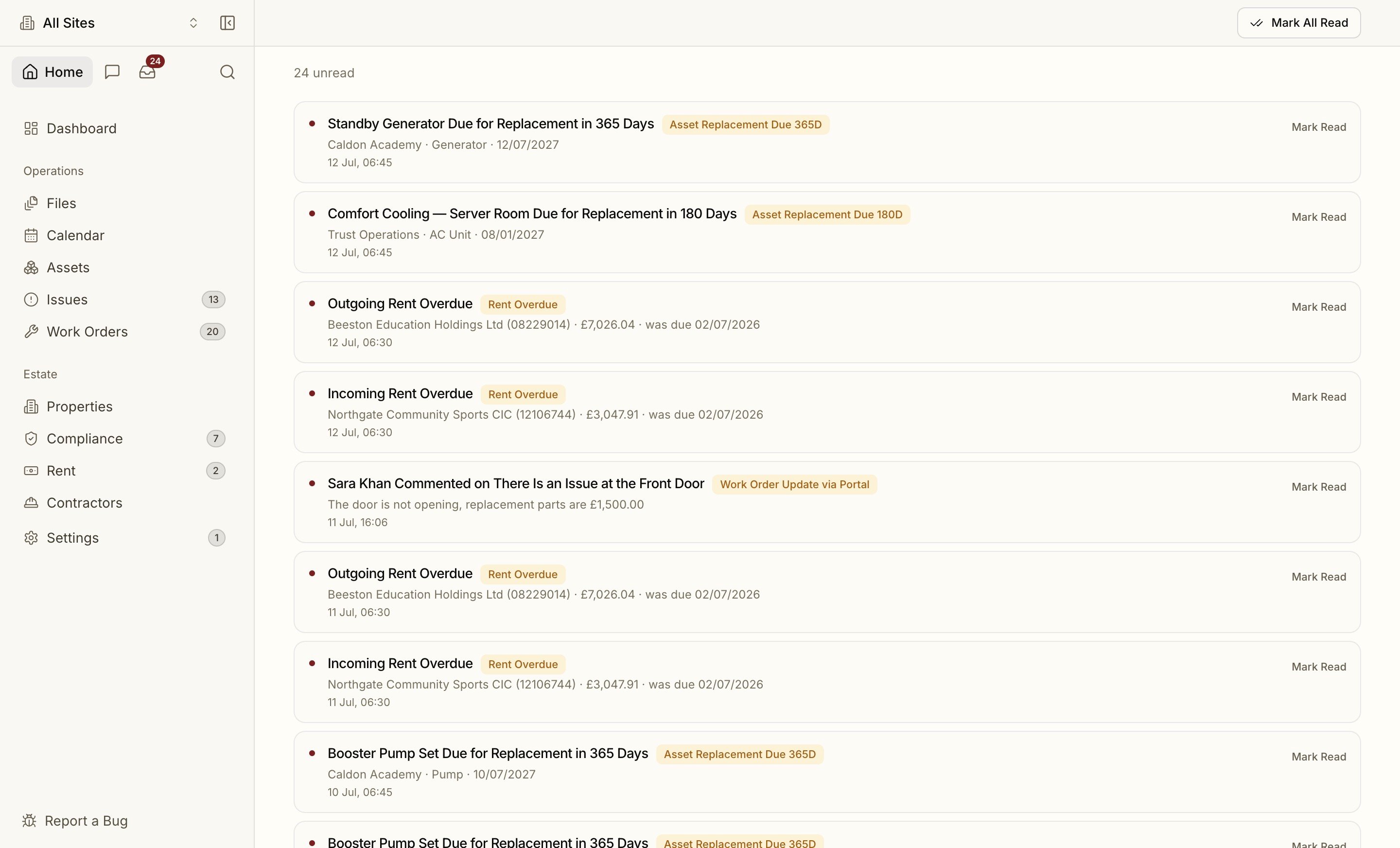
The Bell
The notification bell in the top bar shows an unread count and a dot. Open it for your most recent notifications, mark them read, or jump to the full feed. Clicking a notification takes you to the thing it’s about — an obligation, a rent payment, a work order — or deep-links straight into the relevant Settings panel (a join request opens Members).Live in the App
You don’t have to watch the bell. While Proprietas is open, new notifications arrive in real time: a toast slides in as it happens, whether that’s a fresh issue from a reporting link or an update on a work order, and clicking it takes you straight there. There’s also an optional chime, so a busy estates desk can hear a new issue land without staring at the screen. Chimes are a per-device setting under Settings → Notifications, so you can have sound at your desk and silence on a laptop in a meeting.What You Get Notified About
- Compliance — pre-expiry reminders at 90, 60, 30 and 7 days
- Rent — due soon and overdue
- Members — invitations accepted, new join requests
- Work orders & issues — assignments
Choosing Your Channels
Under Settings → Notifications, you control each category independently:- In-app vs email per category
- A weekly digest option
- SMS reserved for the 7-day compliance red line