

The 90 / 60 / 30 / 7 Cadence
For every obligation, reminders fire at 90, 60, 30 and 7 days before the due date. Each one carries a one-click link straight to the obligation — no hunting.Reminders are idempotent. The scan can run more than once a day and you’ll never get a duplicate — each threshold notifies exactly once.
Routing to the Right People
A single shared inbox is where reminders go to die. Instead, each regime’s alerts route to its Responsible Person and an escalation contact — not one catch-all address. You choose how you’re nudged: in-app, email, with a weekly digest, and an SMS option reserved for the 7-day red line. You can snooze, reassign or mark-handled any reminder, and the whole thread stays attached to the obligation so there’s a record of who did what.Automatic Renewal Work Orders
At the 7-day threshold, Proprietas raises a work order to renew the certificate, routes it to the right contractor, and attaches the existing certificate so they have the context. When they upload the fresh certificate through the portal, the obligation closes itself with the new expiry. This behaviour is on by default and can be turned off per organisation if you’d rather raise renewals by hand.Recurring Checks (PPM)
Some obligations aren’t certificates — they’re recurring tasks: weekly fire-alarm tests, monthly emergency-lighting checks, hot/cold water temperature monitoring. These run on a cadence and log each completion. See Planned maintenance.One Calendar for Everything
Compliance due dates, lease breaks and reviews, rent, and scheduled contractor work all land on one Calendar — colour-coded by overdue, due soon and upcoming.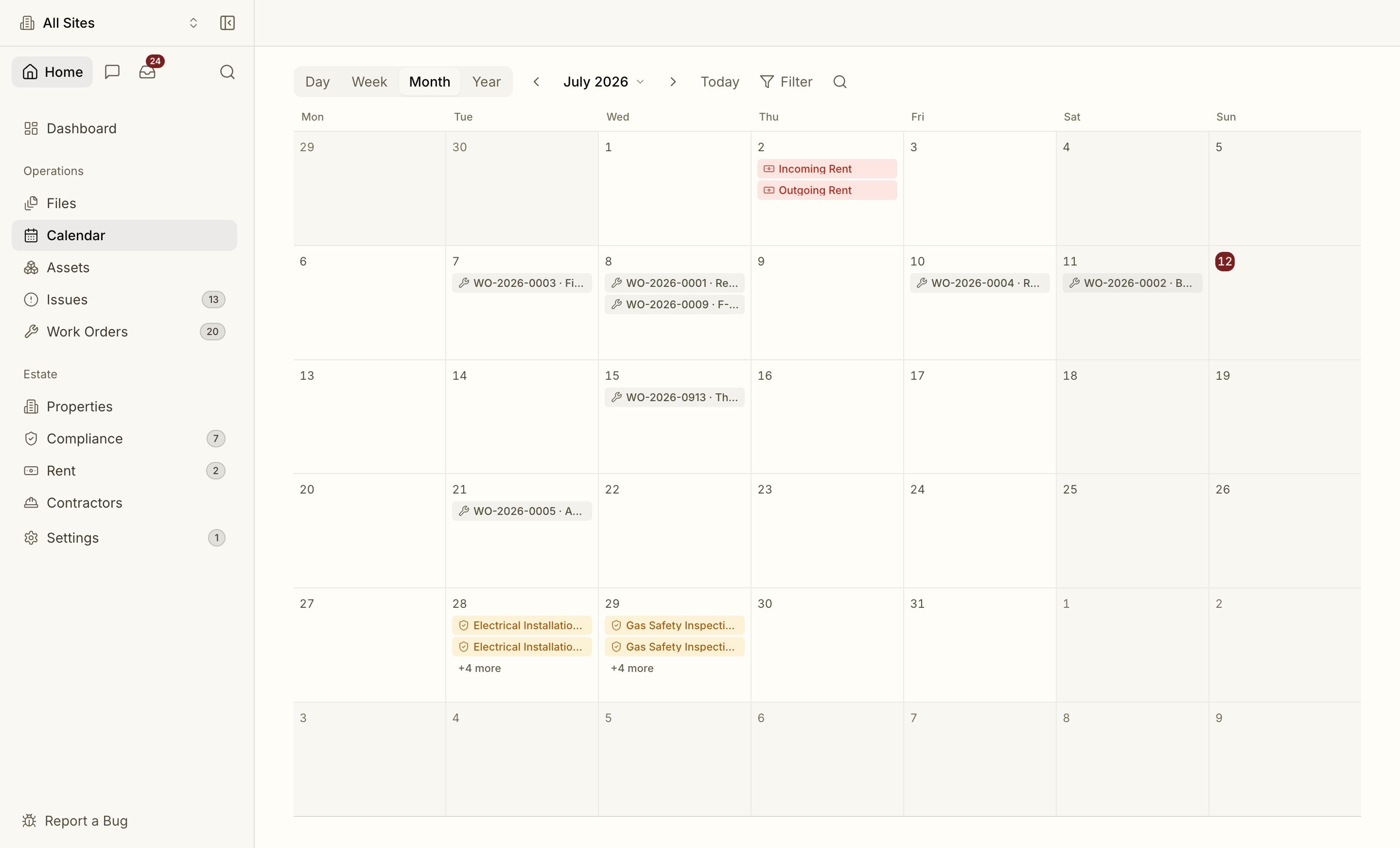
Subscribe your deadlines
Subscribe your portfolio’s due dates to Google, Outlook or Apple calendar — live.