

How It Works
1
A job is assigned
When you assign a contractor to a work order, Proprietas issues a secure access link and emails it to them.
2
They open the link
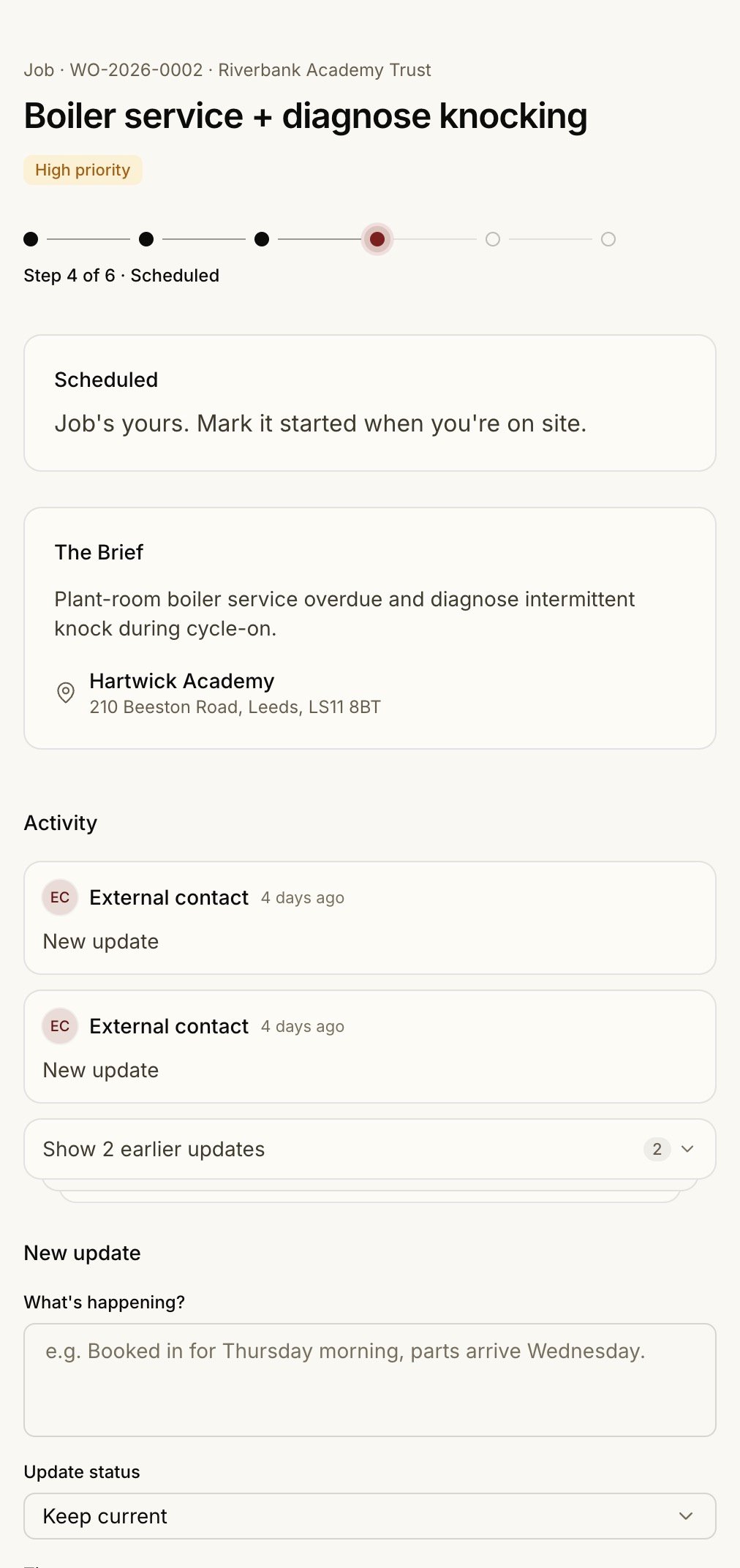
The link opens the job — description, site, the existing certificate for context — with no sign-in. They can accept, comment, log time, attach progress photos, and upload documents. Photos they post appear inline on the work order alongside the rest of the team’s updates.
3
They close the loop
They mark the work complete and upload the new certificate or report. For a compliance renewal, the obligation closes itself with the fresh expiry — no re-keying on your side.
Secure by Design
The link is a long, opaque token — not a guessable URL. Each link:- Has an expiry (around 90 days), and is rotatable and revocable from the admin side
- Auto-revokes when a work order is reassigned to a different contractor
- Records when and where it was last opened, so you can see a job was picked up
Optional Accounts
A contractor contact who wants more than one-job-at-a-time access can link a login and sign in to see every job their company is engaged on. They still only ever see their own work. See Contractors.Light users — contractors and tenants — never count against your seat cap. The seat limit applies to editors only. See Roles & invites.