

Drop-and-Go
Drag a file onto any page in the app — a full-screen drop zone appears and the document is taken in. You don’t pre-sort into folders; the parser works out what it is:- A gas certificate files against that site’s gas-safety obligation
- A lease files against the property and builds its rent schedule
- An FRA files and surfaces its findings
- An insurance certificate, F-Gas, TM44, asbestos survey, fire-alarm or emergency-lighting report — same drop-and-go
The Inbox
When the parser is confident, the document lands in its final home. When it isn’t — a low-confidence statutory date, an address it can’t pin to one site, a document type it wants you to confirm — it lands in the Inbox for a quick human check. In the Inbox you confirm or correct:- The document kind
- The site / property it belongs to
- The obligation it satisfies (for certificates)
This is deliberate. Statutory-compliance dates (FRA, gas, EICR expiry) are never filed automatically below a confidence bar — getting a fire-safety date wrong is exactly the failure we won’t accept. Low-confidence items wait for you.
Multi-Property Detection
If a single PDF contains text matching several of your properties — a certificate covering a whole building, say — the Inbox flags it so you can split it to the right floors rather than filing it against the wrong one.Smart Renaming
The files people upload are rarely named usefully —scan_0012.pdf, IMG_4821.pdf, a solicitor’s reference. As it files a document, Proprietas gives it a clean, sortable display name built from what it read: the document’s date, its kind, and the site it belongs to — e.g. “2026-05-06 — FRA — Linwood Primary School.pdf”.
The original filename is kept, but the readable name is what you see in lists, search and audit packs — so a folder of cryptic scans becomes a tidy, chronological record without anyone renaming a thing. You can override the display name at any time.
Bulk Certificate Upload
Onboarding a portfolio? Drop a whole folder. Every document is classified and filed against the right site and regime in one pass.Organising Into Folders
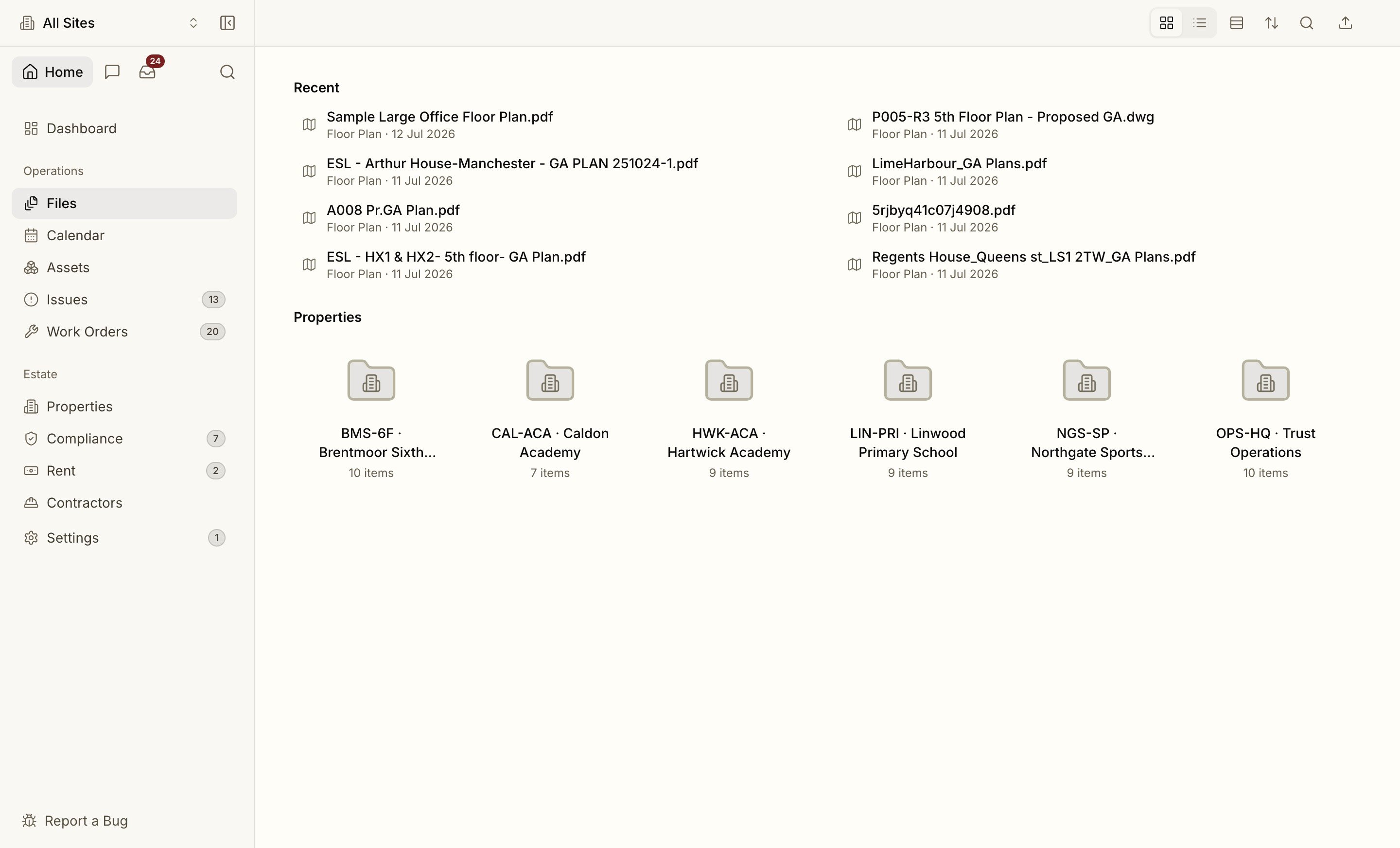
The documents view is a familiar Finder-style browser. Group documents into folders, give a folder a colour, and move documents between them — click, shift-click and ⌘-click to multi-select exactly the way you’d expect. Select several and download them as a single ZIP, with each file keeping its clean display name. Filing is automatic; folders are for the way you like to find things afterwards.Sensitive Documents
Mark any document sensitive and it becomes visible only to organisation admins — hidden from preview, download, ZIP export and universal search for everyone else. Use it for anything that shouldn’t sit in front of the whole team. See security for exactly how the gate behaves.How extraction works
Confidence, page citations and human review, explained.